Before you start · Must-read

3 Steps to Make the AI Truly Get You

PoLang's smart search and AI chat rely on on-device models and a one-time gallery scan. Finish the steps below so the app can actually understand you.

📦 It all starts in Settings & the Organize tab

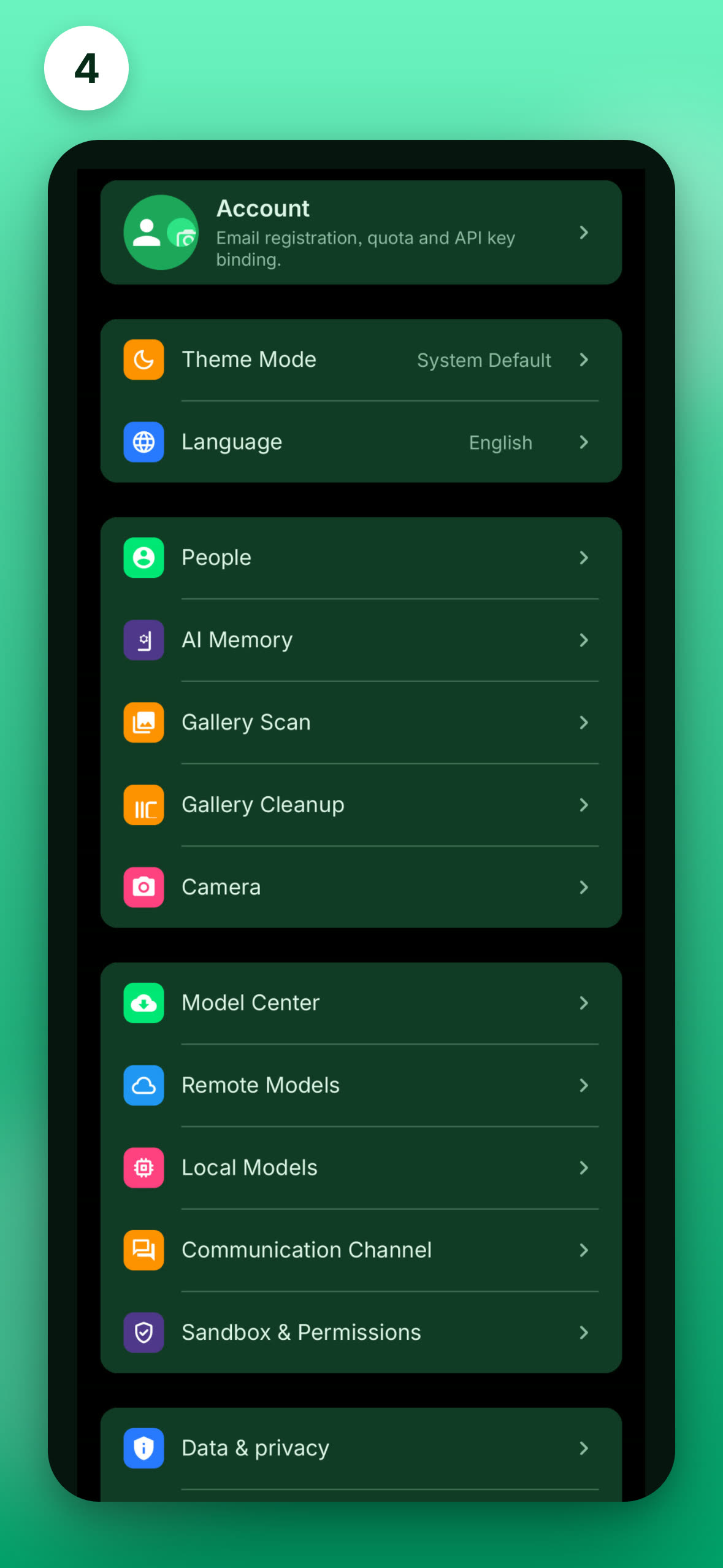
Model downloads, account, people, and remote channels live in the app's Settings; the scan entry is at the bottom tab "Gallery Cleanup → Scan". Each step below points you to the right screen — the UI may differ slightly in the latest version.
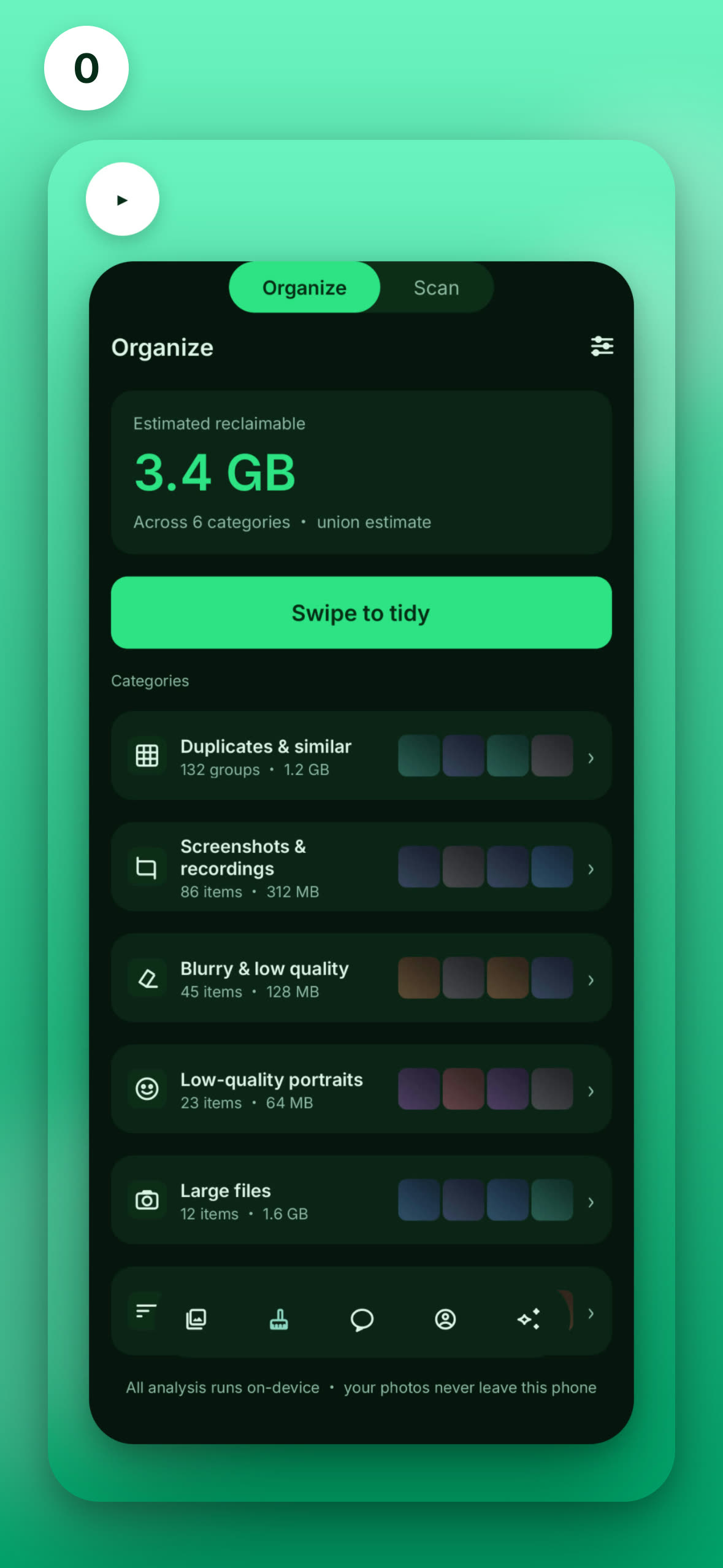
Settings overview
1Download required models

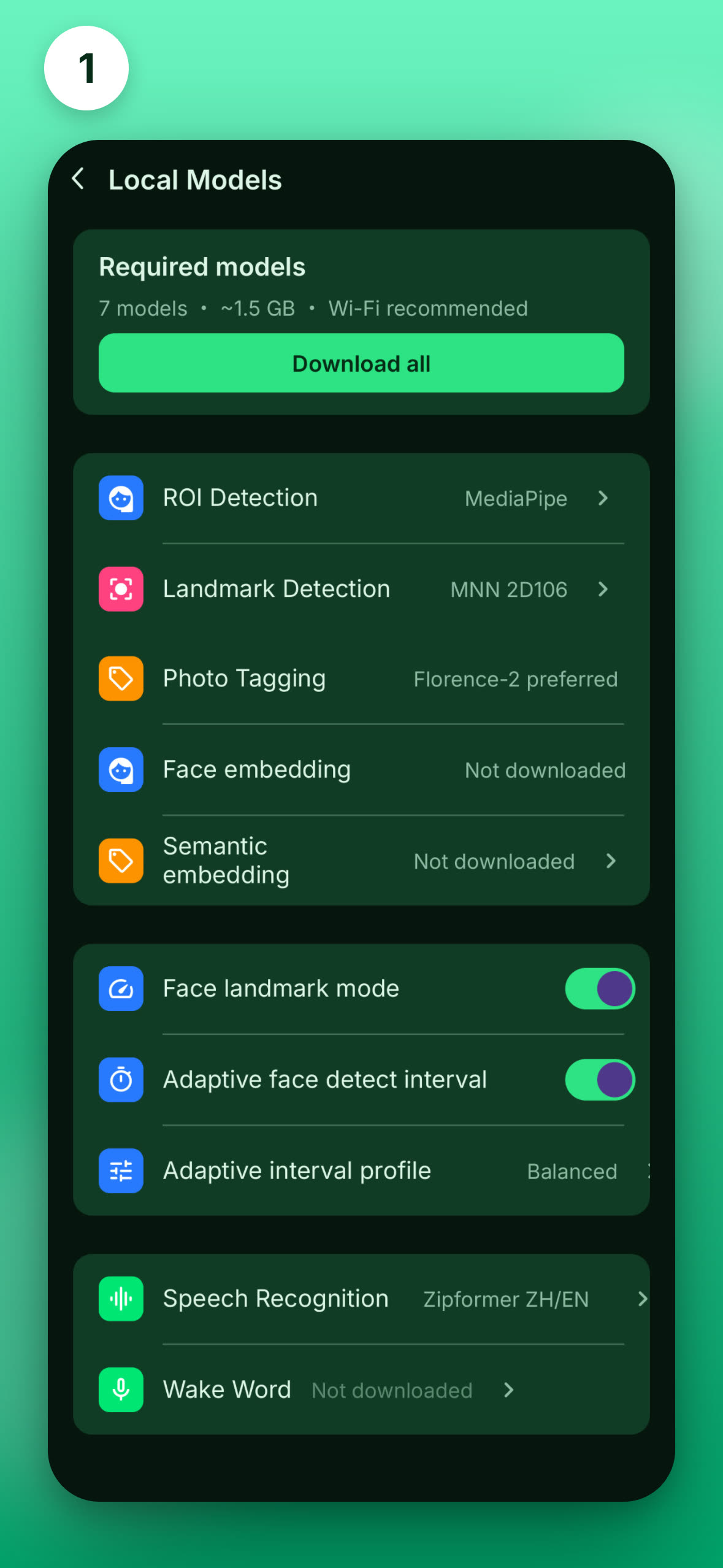
Tagging, face recognition, and semantic search all rely on on-device AI models. Go to Model Center → Required and download them all (7 models, ~1.5 GB). The Recommended models (matting, voice) are optional.

Required≈ 1.5 GBWi-Fi recommended
Model Center · Required models
TAG Generation · scanning
2Run a Pass 1 scan

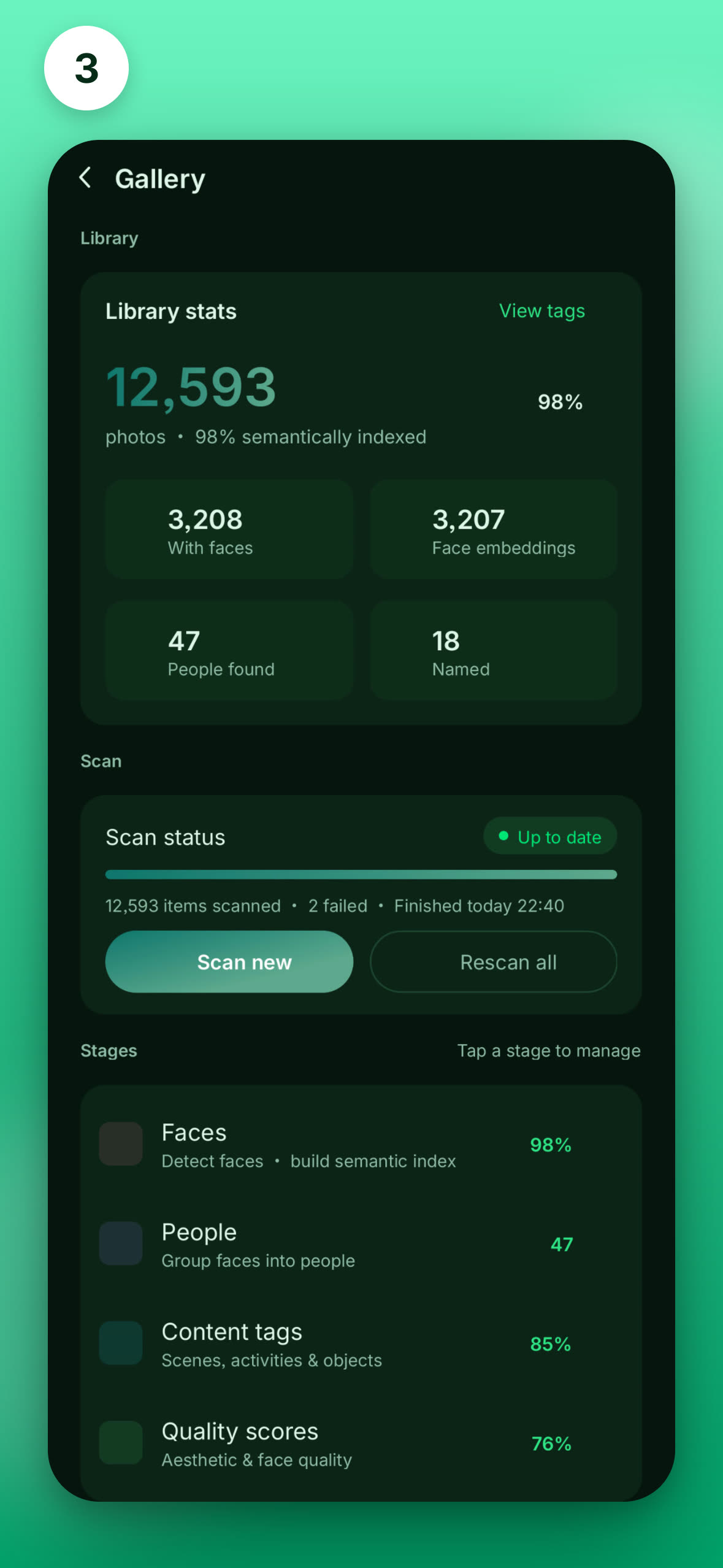
Let the app learn the people and scenes in your gallery. Go to the bottom tab Gallery Cleanup → Scan and start scanning (face detection + semantic encoding, ~1.5h / 10k photos). Remember to enable background activity when prompted, or it may be paused in the background. The UI may differ slightly in the latest version.
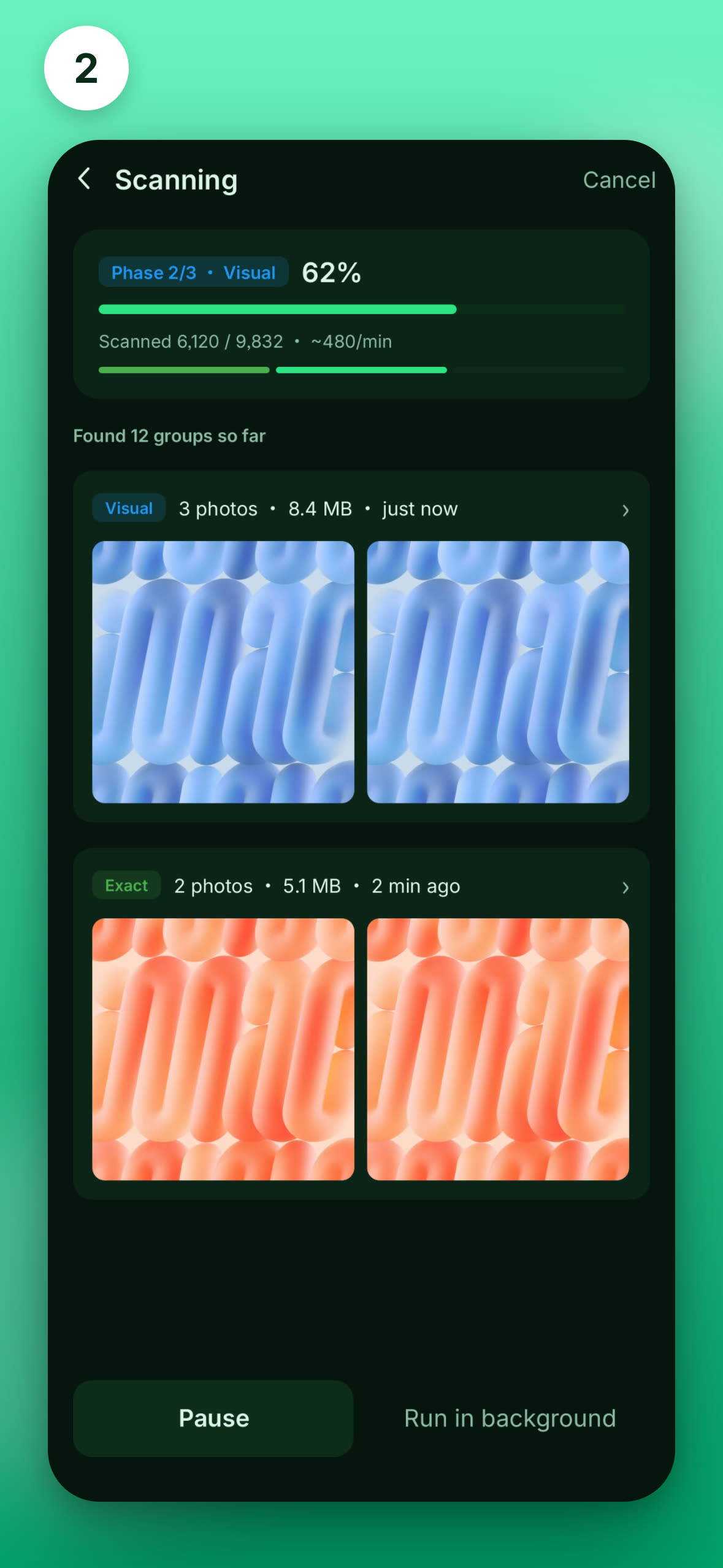
Required~1.5h / 10k
3(Optional) Understand image content

Want searches like "beach", "night scene", or "family picnic" to be sharper? Run Image Understanding to generate scene, object, and activity tags for every photo. ~24h / 10k, best overnight while charging. Pause anytime — already-processed photos won't repeat.

Optional~24h / 10k
TAG Generation · 3-stage overview
Account · free quota
4Sign up for quota

AI chat runs on a cloud-based model for the best experience. Sign in with email for a higher free quota (guests get less). A network connection is all you need.

Cloud AI chatFree quota
5Teach AI your people

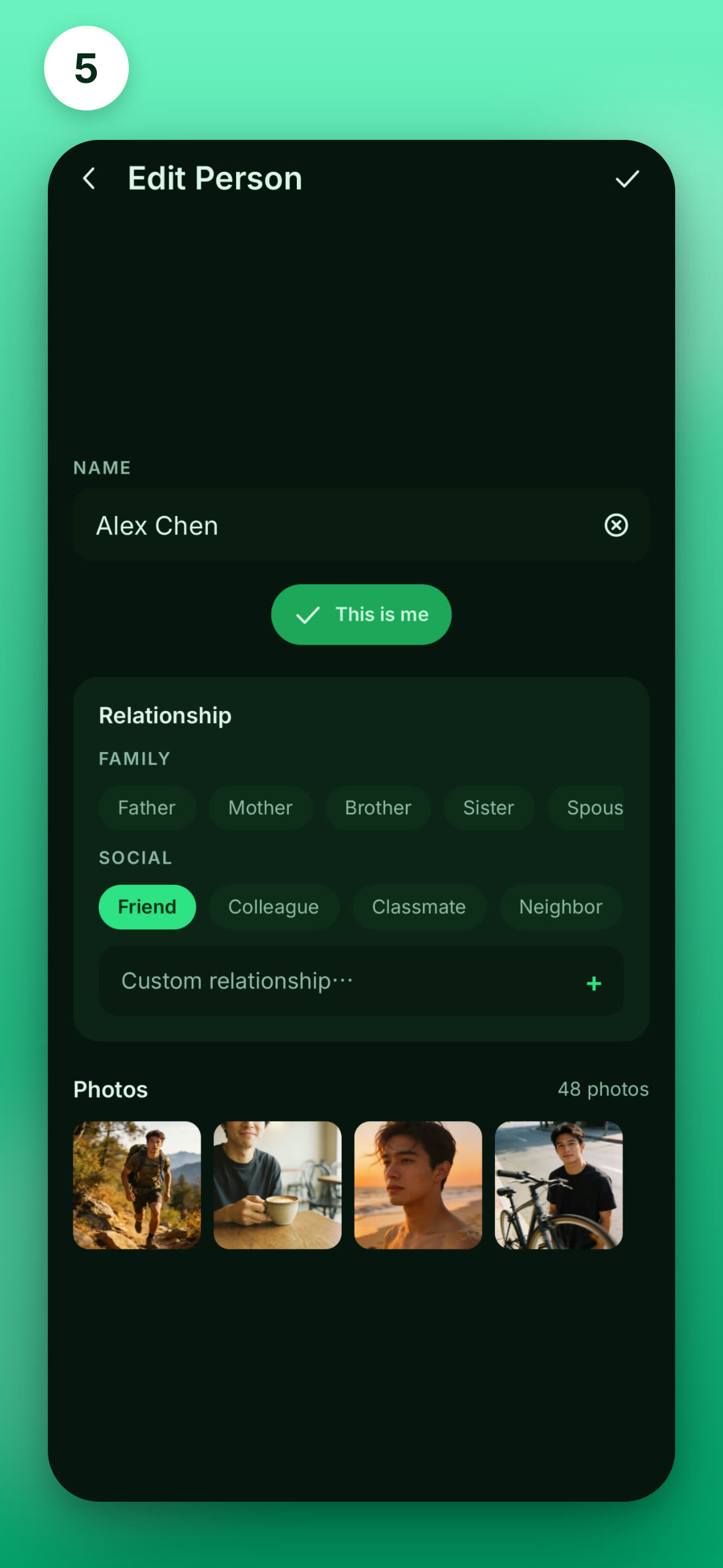
After scanning, people are detected automatically. Name each person and set relationships (family / friends / colleagues…), then add facts in AI Memory — PoLang gets smarter in every conversation.

Smarter AIPeople & relationships
Edit person · name & relationship
Channels · Feishu / Telegram
6(Optional) Remote control

Connect Feishu / Telegram to drive your gallery from IM (e.g. "send me yesterday's landscapes") — results come right back to the chat. Telegram uses long-polling, no public IP needed.

AdvancedFeishu / Telegram

Once You're Set Up

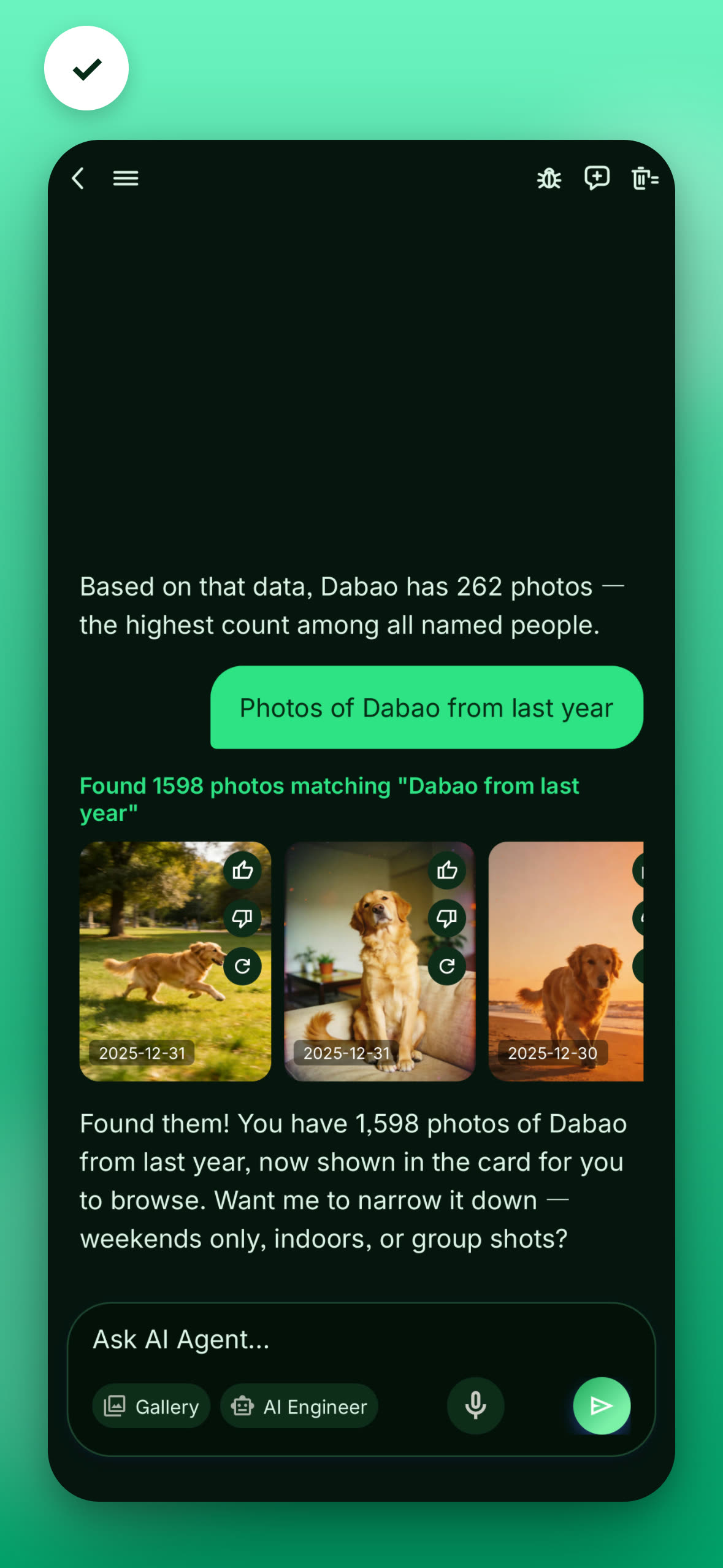
Just say something to the AI

"Find last summer's beach photos"

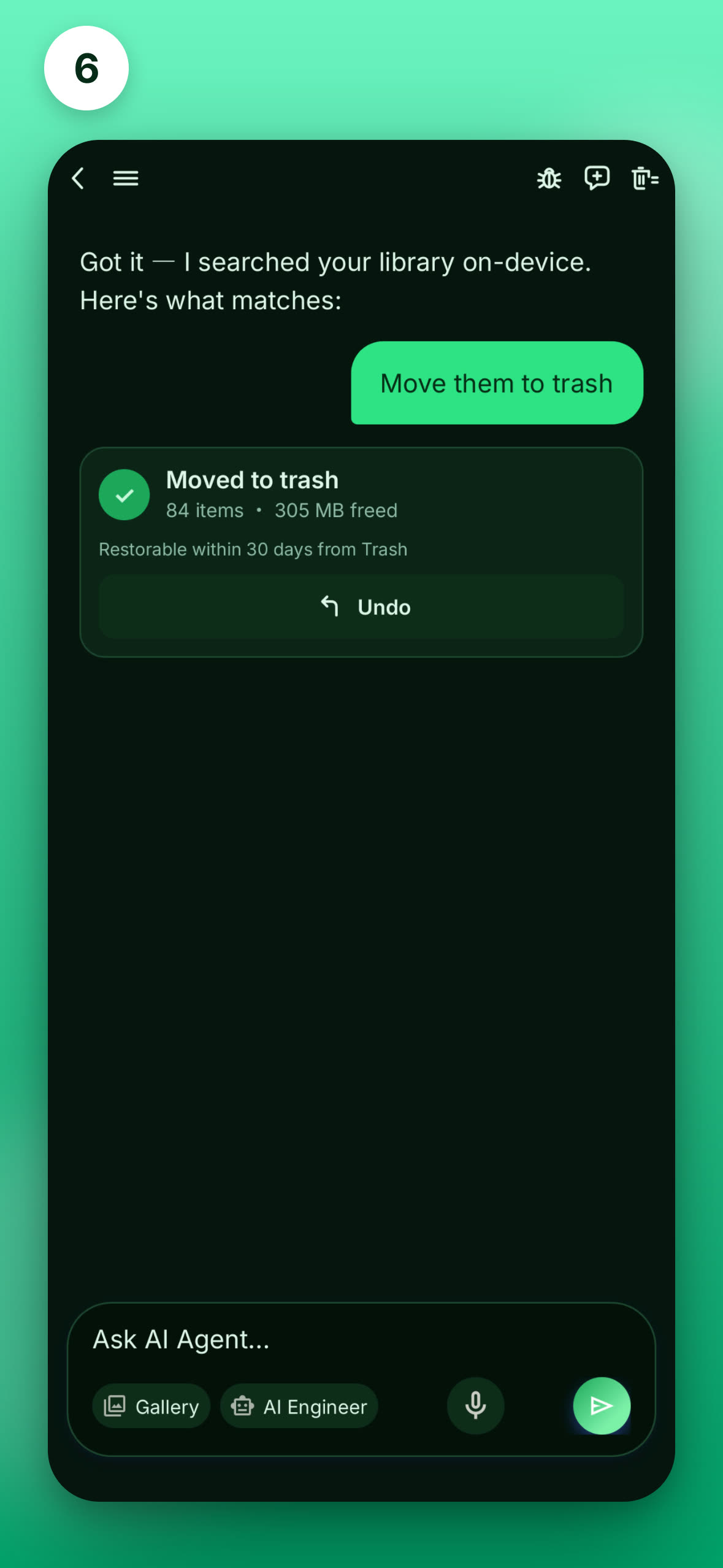
🗂️ Matching photos, grouped smartly by time — all search, face, and scene recognition happens on-device; photos are never uploaded.

AI assistant · natural-language search

Get Started

Free · No ads · On-device privacy